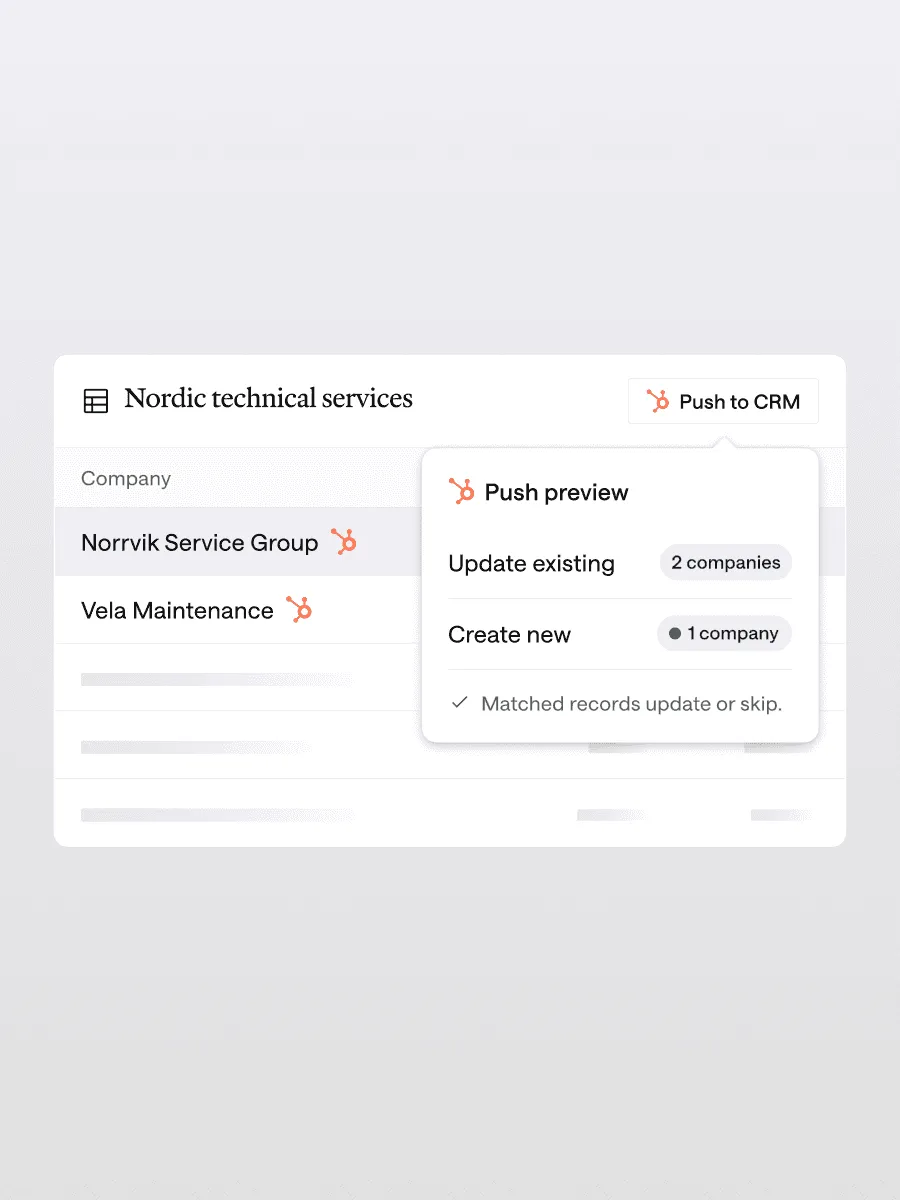
CRM integrations
Your pipeline, always in sync. Push lists back to your CRM in one click, matched to existing records so nothing is duplicated and everyone works from the same view.
Grasp delivers first-move intelligence for deal teams. It builds on what your firm already knows, recognises the pattern behind your best deals, turns that pattern into a screen you can rerun, and alerts you when companies move into your investment criteria.
Build on what your firm already knows. Every search shows what’s already in your pipeline, who owns the relationship and the latest status, so your team always has the full firm context.
Your pipeline, always in sync. Push lists back to your CRM in one click, matched to existing records so nothing is duplicated and everyone works from the same view.
Your best deals have something in common. Grasp recognises what your firm looks for and ranks every new opportunity against it, so the experience from past deals improves the next one.
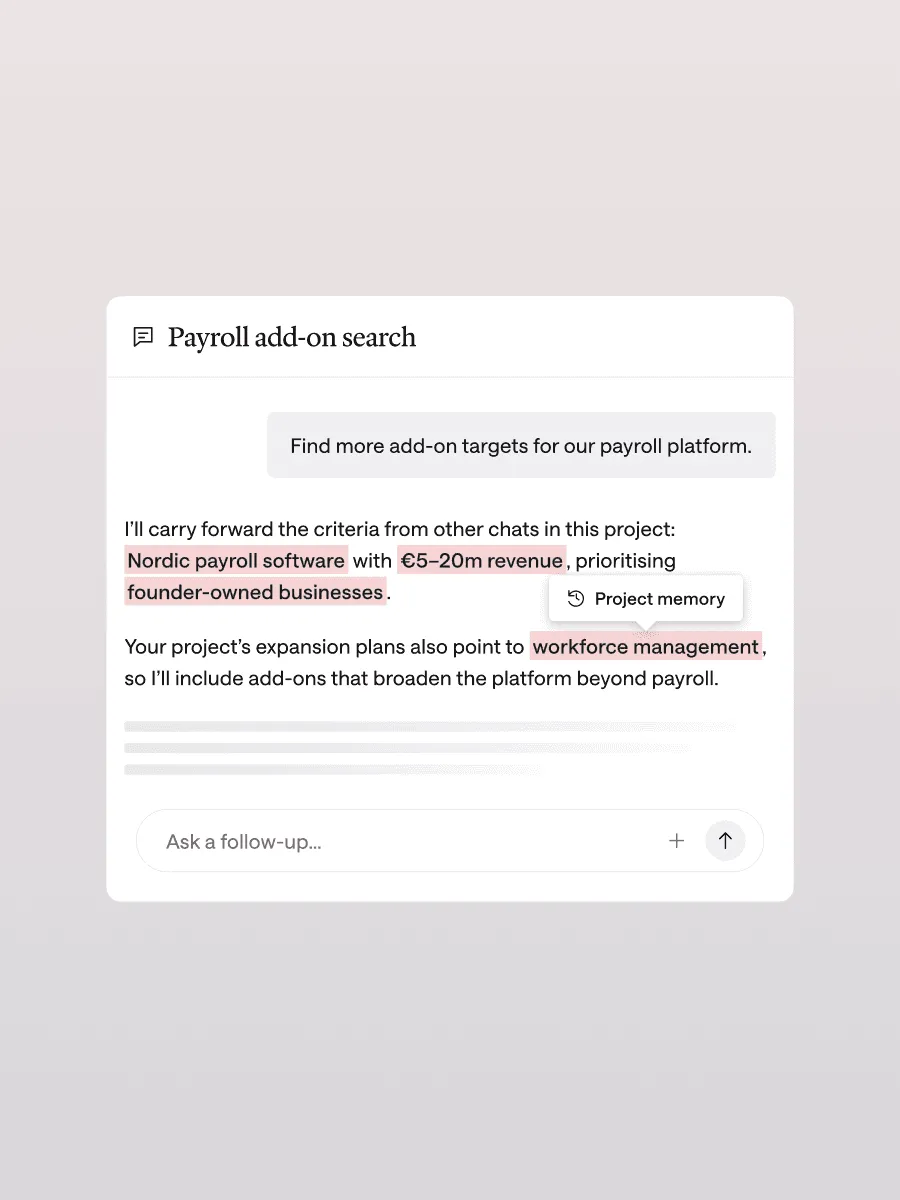
An edge only your firm has. Grasp remembers what your team looks for and uses that context across every search. It stays within your firm and is never used to improve anyone else’s results.
Turn what works into a repeatable workflow. Save the search logic and criteria behind your best screens, so everyone on your team can reuse what works across platforms and markets.
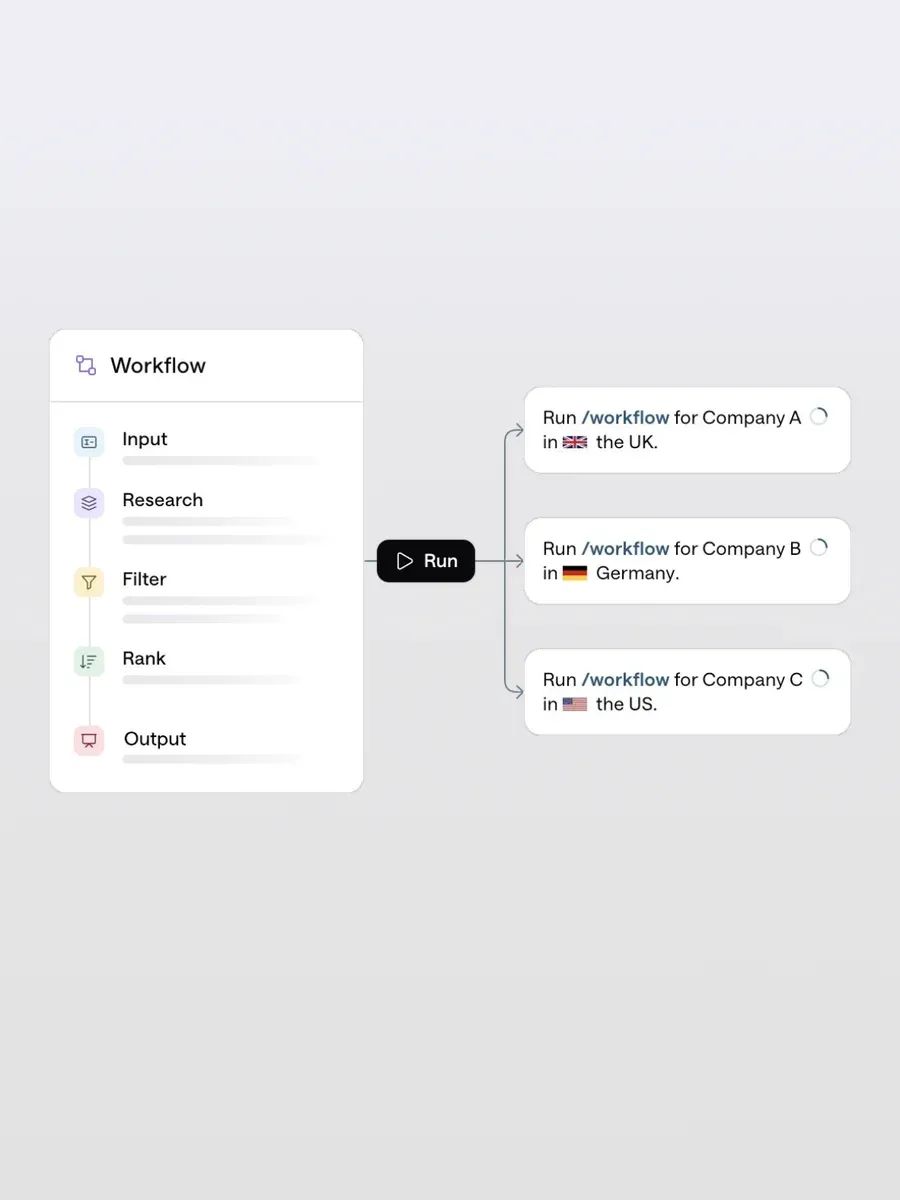
Put your best workflows on repeat. Grasp runs the same search logic and criteria whenever you need it, so proven ways of working scale across the firm.
Keep your thesis live. Grasp monitors your shortlist for signals such as fast growth, blue-chip customer wins or a potential sale, so you can act before there’s a deal to compete for.
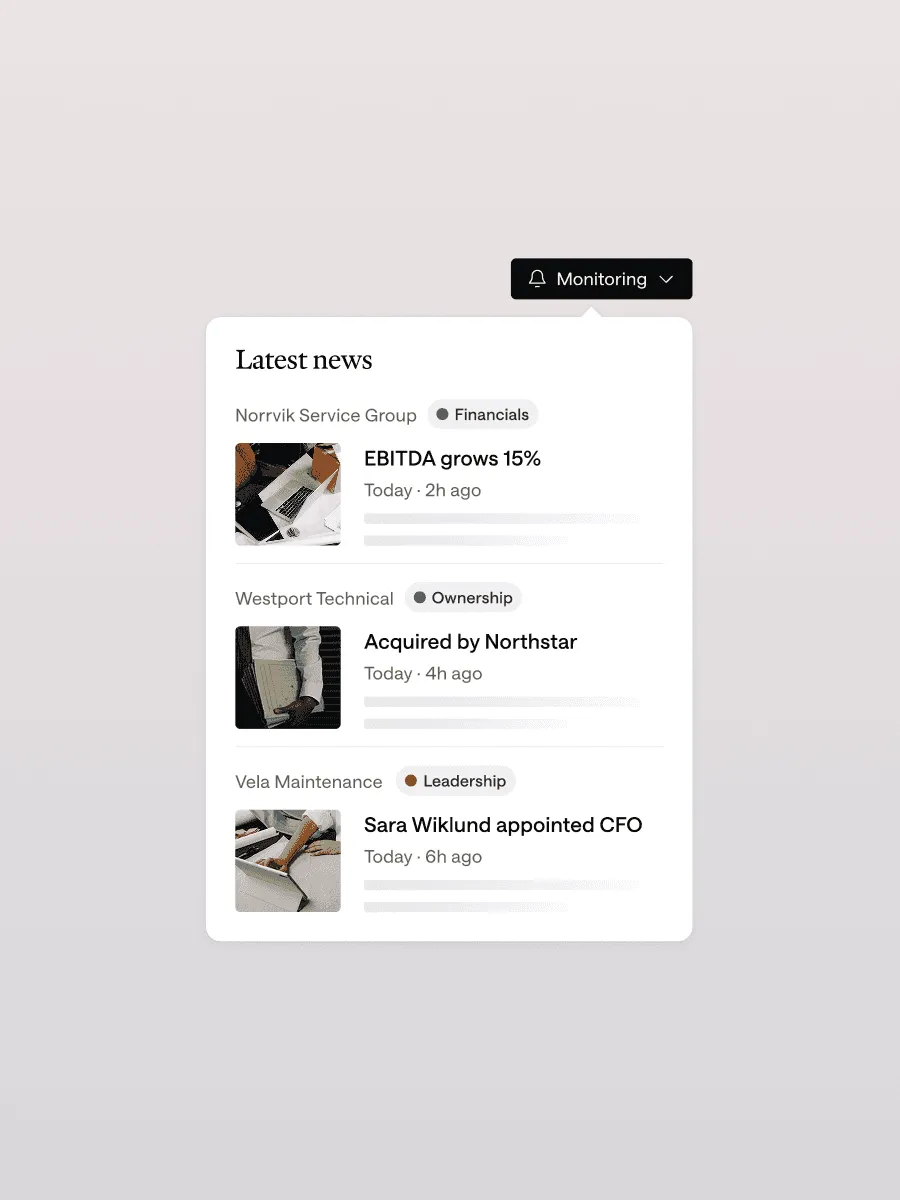
Always one step ahead. Monitors alert you when something changes, with the evidence behind it. Be the first to know and the first to call, before everyone else catches on.
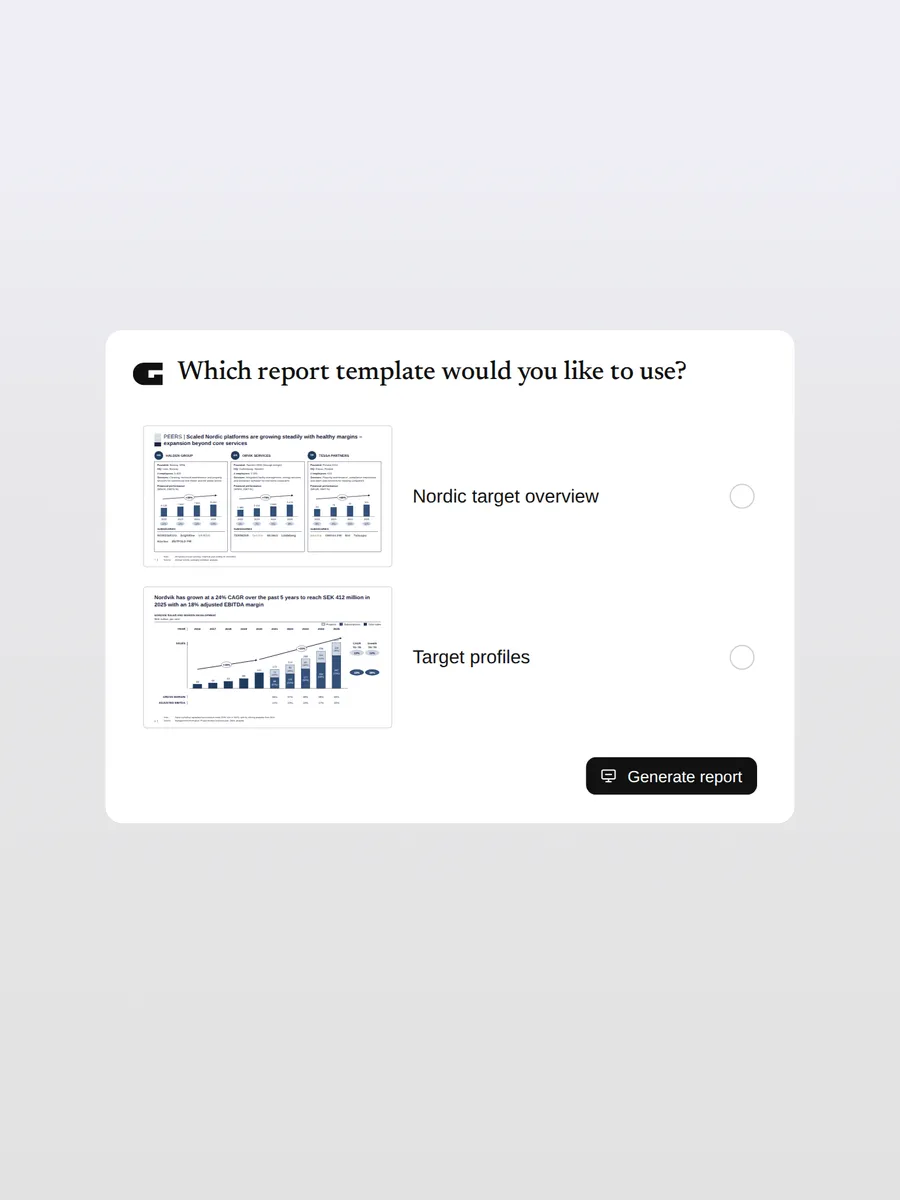
Build complete decks in your own templates. Grasp turns your deal analysis into PowerPoint that looks like your team made it.
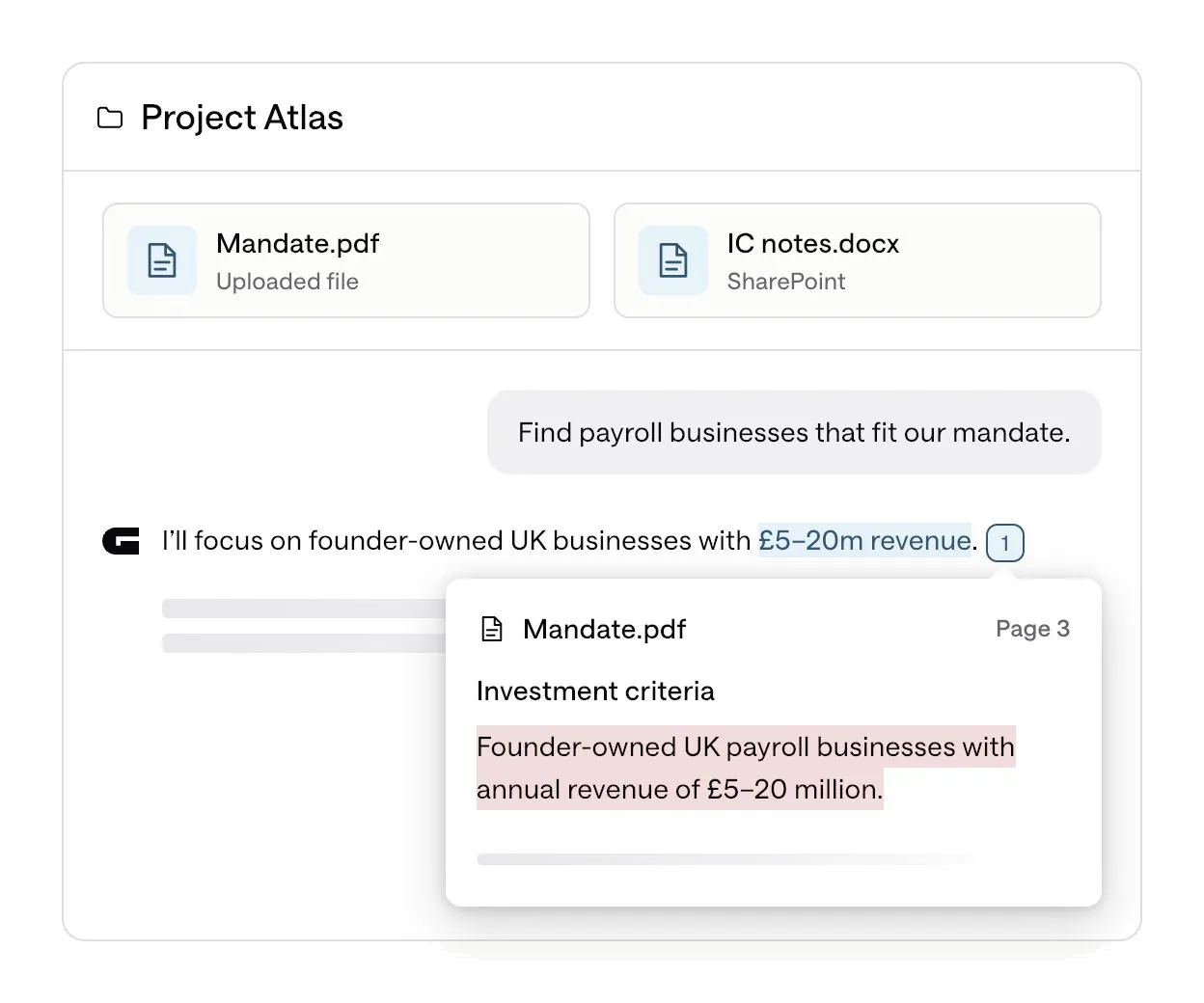
Bring your own context. Upload deal documents or connect SharePoint, and Grasp searches with them in mind.
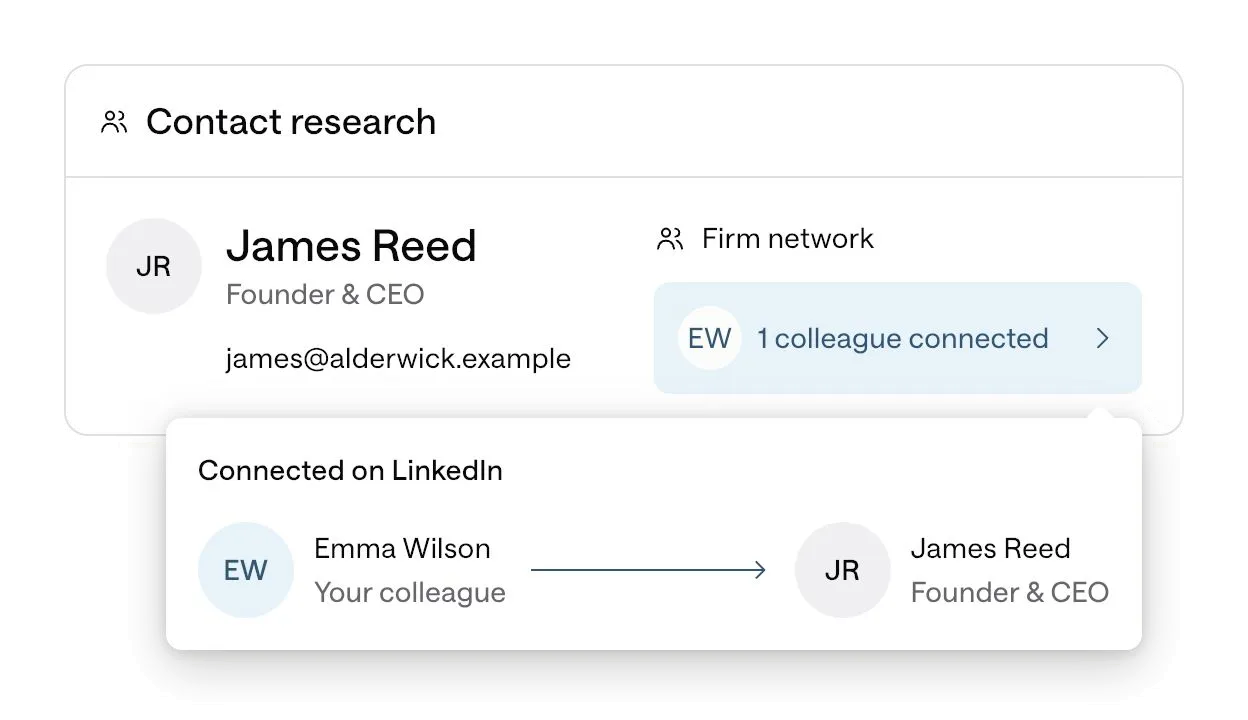
Reach decision makers. Deep contact research finds the right person, and Firm network (coming soon) shows who at your firm already knows them.
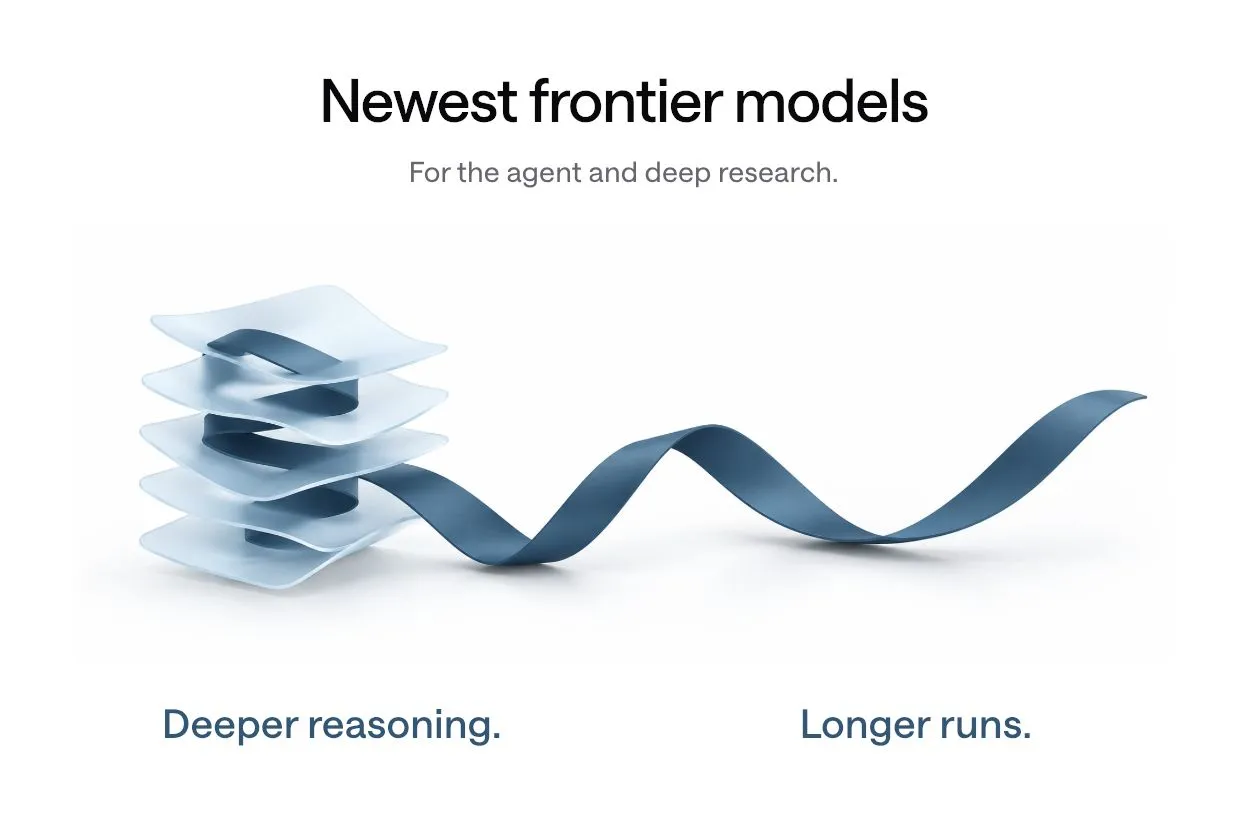
The Grasp agents now run on the latest frontier models, for longer runs and deeper reasoning on the hard questions.
Grasp started as the most exhaustive way to search the market. Now it helps deal teams see the opportunity first, and act on it before anyone else.
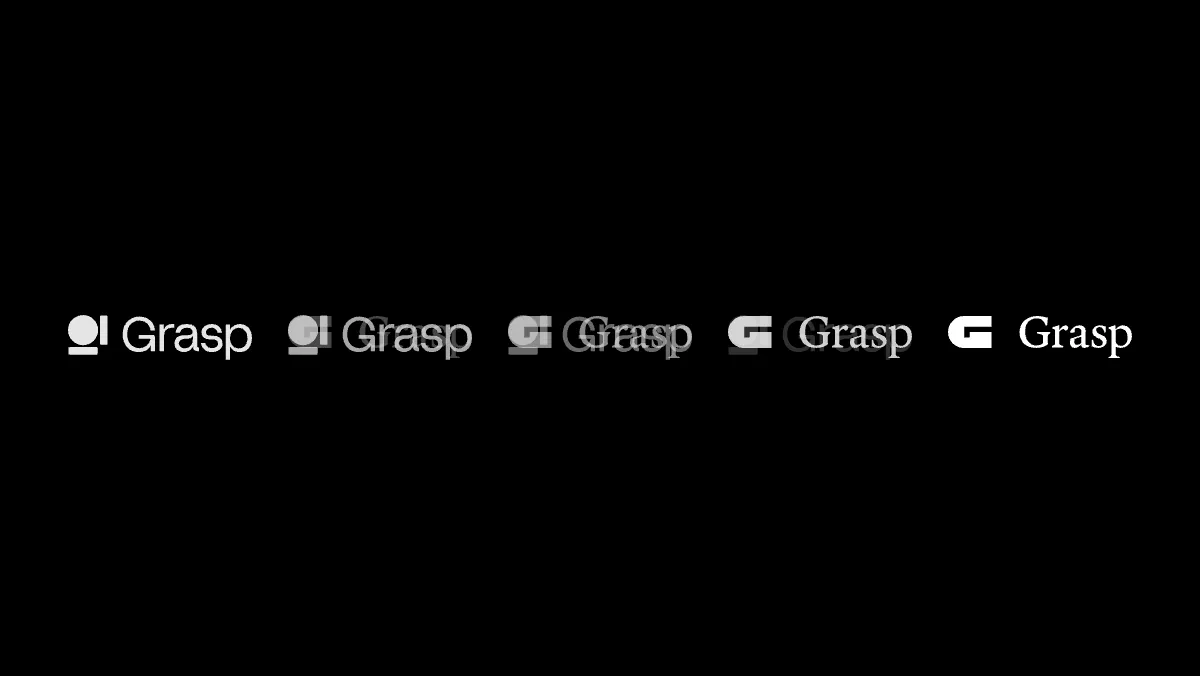
It builds on what your firm already knows, screens the way your team does and keeps reading the market for the moments that matter, all the way through to the materials you send. Our new identity is built around that shift.











Public information first: your portfolio, deal history and stated criteria. Memory of how your team works is used only if you choose to enable it, and it always stays within your firm.
HubSpot, Microsoft Dynamics 365 Sales (on Dataverse) and Attio. An organisation admin connects your CRM, maps the fields and chooses who has access. Using a different CRM? Let us know and we’ll add it to the list.
Anything that moves a target closer to your thesis – signals of rapid growth, senior management hires or signs of a potential sale. Grasp alerts you with the evidence, so you can act before there’s a deal to compete for.
PowerPoint. Grasp builds directly in your firm or client template, using its branding, layouts and master slides. The result looks just like your team made it.
CRM Integrations, Monitors, Firm Templates and Firm Network are included on premium plans. Everything else in this release is available on all plans. To learn more or upgrade as an existing customer, contact support.